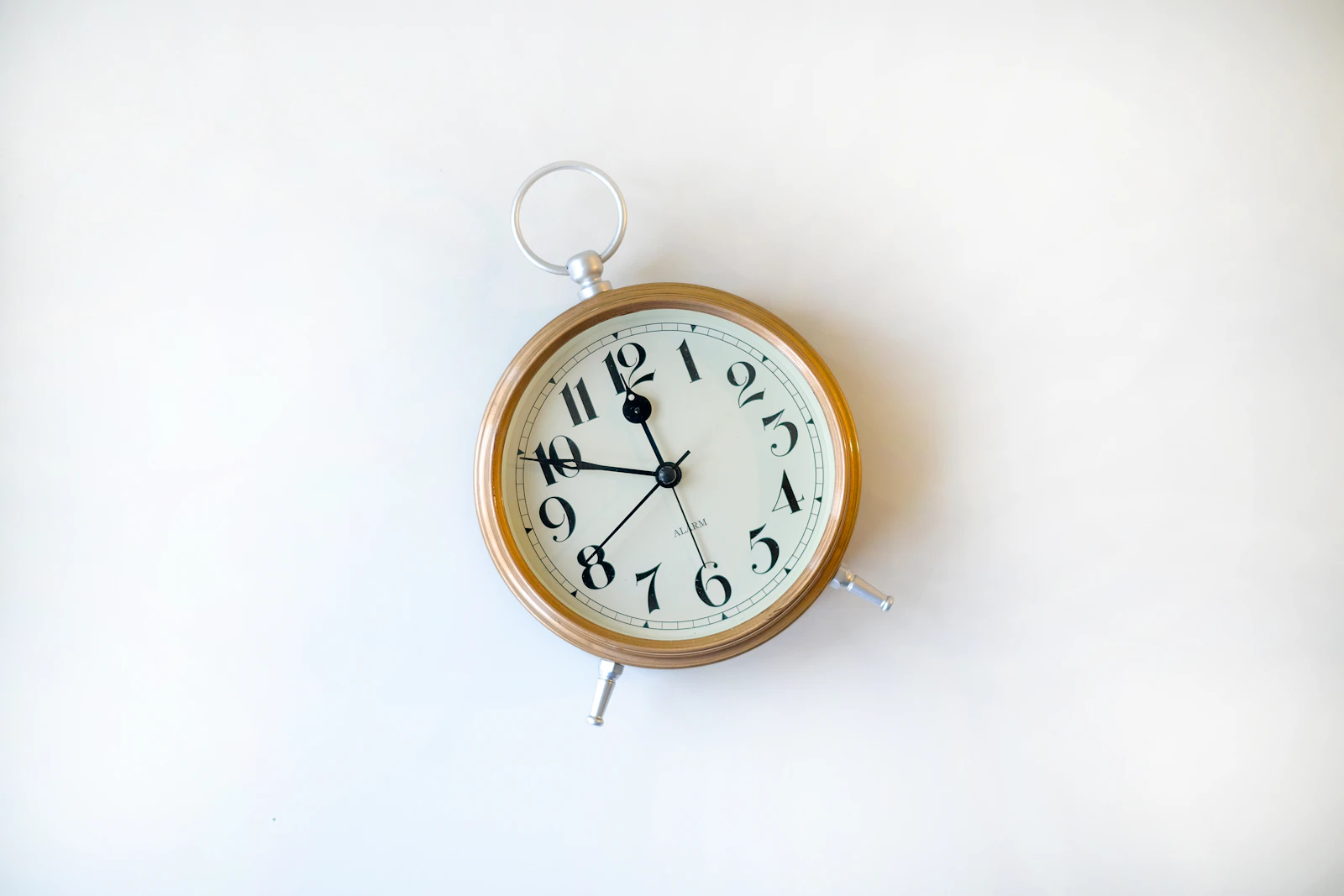
For most of the iPhone's life, only Apple's Clock app could set a real alarm. Everything else was a notification wearing an alarm's clothes, with all the limitations that implies.
iOS 26 changed that with AlarmKit. It is the most consequential thing to happen to this category in a decade, and it is worth understanding what it does and does not do.
What it is
AlarmKit is a framework that lets a third-party app schedule a genuine system alarm — an object iOS itself owns and fires, rather than something the app has to be alive to deliver.
The practical consequences:
It is not subject to the ring/silent switch. An AlarmKit alert is an alarm, in the same category as the Clock app's, not a notification sound.
It fires through Focus and Do Not Disturb. Sleep Focus does not suppress it.
It presents full-screen on the lock screen. Not a banner you can flick away without waking up enough to notice you did.
The app does not have to be running. No background audio tricks, no "keep the app open", no relationship with Low Power Mode.
iOS owns recurrence. A repeating alarm can be handed to the system once and it re-fires on its own, rather than the app having to reschedule itself after every ring. That sounds like an implementation detail and it is not: "the app failed to reschedule the next one" is a classic way alarm apps break silently, and it is now the system's job.
Snooze is native too. Handled by iOS rather than reimplemented per app.
What it does not change
It requires explicit permission. The user sees a system dialog asking whether the app may schedule alarms. If it is declined or later revoked, the app cannot ring — and, importantly, an app can look completely normal while being in that state. Any decent implementation should tell you loudly on its home screen when permission is missing.
It does not control volume. Alarm volume on iOS is a system setting. No app can turn it up for you, and an alarm firing correctly into a volume slider set near zero is quiet. This is a frequent source of "it did not ring" reports that were not failures of the app at all.
It does not make you wake up. AlarmKit fixes whether the sound can happen. It does nothing about habituation, sleep inertia, or the fact that a groggy person can dismiss anything with one thumb. Those remain design problems for the app to solve on top.
It is iOS 26 and later. On older versions, apps fall back to the old notification-based approach, with the old limitations. Some apps run both paths depending on the device.
It is iPhone-only in a meaningful sense. There is no Android equivalent framework; Android's constraints on alarms are a different problem with different workarounds. An app that is genuinely built around AlarmKit is making an iOS-shaped bet.
How to tell whether an app uses it
During onboarding, a real AlarmKit app must trigger the system's alarm permission dialog. It is distinct from the notification permission prompt and it mentions alarms specifically. If you set up an alarm app and were never asked about alarms — only about notifications — it is not using AlarmKit, regardless of what the App Store listing says.
The second check is the support page. Instructions to keep the app open, disable Low Power Mode, or add a contact to Emergency Bypass are artefacts of the pre-AlarmKit era. Their presence tells you what the app is really built on.
Why this matters for what alarms can now be
The interesting part is not that alarm apps got more reliable. It is that reliability stopped being the hard problem, which frees the category to work on the actual one: an alarm you cannot ignore is not a louder alarm, it is a different kind of event entirely.
Fifi is built on AlarmKit, and it uses that foundation for something other than a tone: the alarm reads "Fifi is calling", and once you stop it a character reads you the weather, the headlines and a voice note if you left one. Fifi is available now for iPhone on the App Store.
Sources
- Apple. AlarmKit — framework documentation. Alarms "break through silent mode", present on the Lock Screen and Dynamic Island, and require
NSAlarmKitUsageDescriptionplus explicit user authorization. - Apple. Scheduling an alarm with AlarmKit —
Alarm,AlarmManager, one-shot and repeating schedules. - Apple. Wake up to the AlarmKit API — WWDC25 session 230.
- Building Fifi's own AlarmKit integration checked part of this directly: it compiles against the iOS 26.2 SDK, and a repeating alarm set through the app has fired on real hardware and stayed armed. Ringing through silent mode is Apple's documented behaviour and has not been independently observed here — firing through Focus has. What is and is not verified says the same thing, and the two pages are meant to agree.